How to verify a marksheet PDF
Boards and universities that issue a marksheet as a PDF usually seal that PDF. DigiLocker issued marksheets are a common example. The seal is how you tell the issuer's file from a PDF that was typed again, scanned, or exported from a spreadsheet. A marksheet that looks tidy can still be a new file with no seal, or a sealed file that was changed later.
The check answers a narrow question: do these bytes still match a seal, and does that seal chain to a trusted certifying authority? It does not ask the board whether this candidate passed. It does not know whether the person who sent the file is the candidate.
Get the issuer's PDF
Download the marksheet from the board, the university, or DigiLocker Issued documents. Skip files that arrived only as a screenshot, a phone photo of paper, or a Word or Excel file someone saved as PDF. Those can be edited and then saved, and they will not carry the issuer's seal.
Read the signer, not just the word genuine
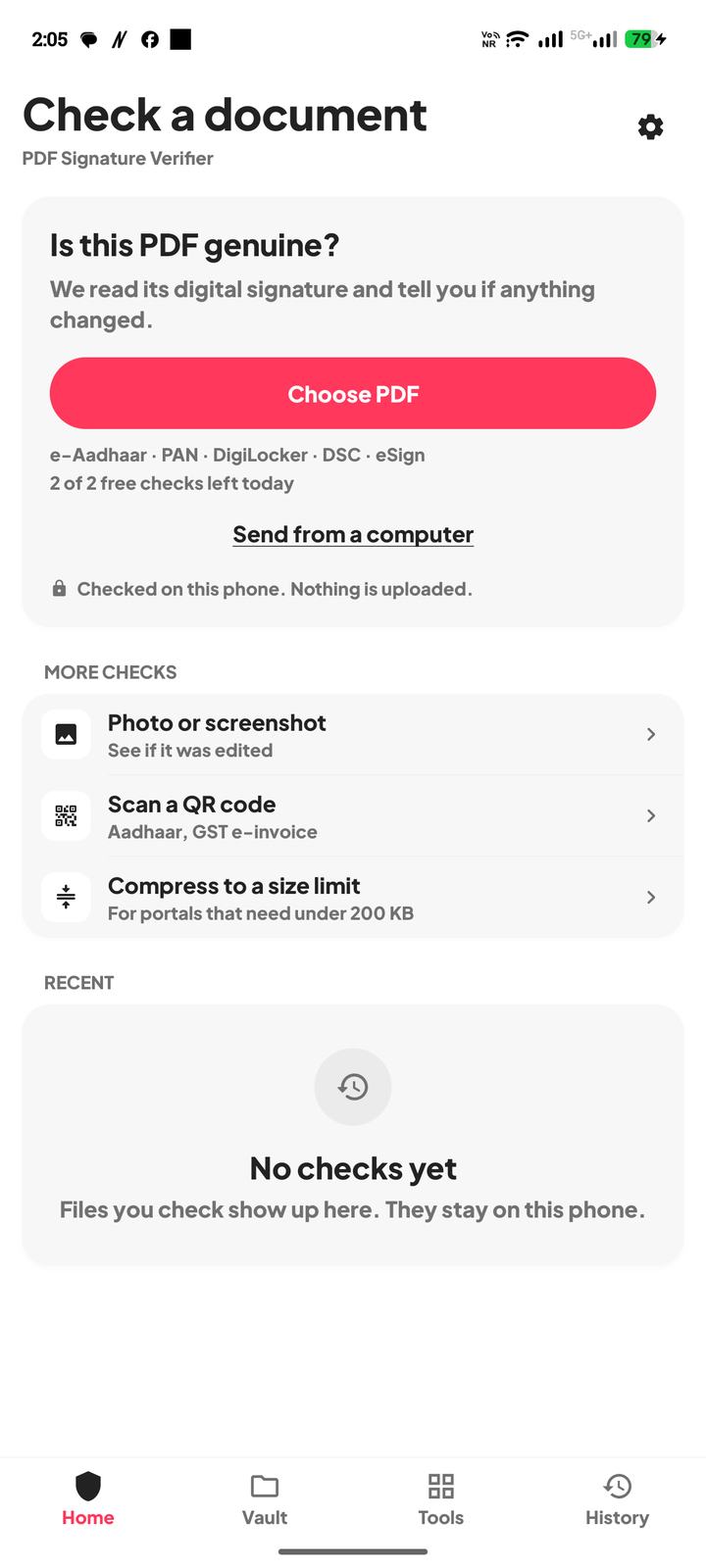
Open the PDF in PDF Signature Verifier. The file stays on the phone. Nothing is uploaded.
- 1Genuine, and the signer is the board, the university, or a DigiLocker signing authority such as National e-Governance Division, means this copy still matches the seal.
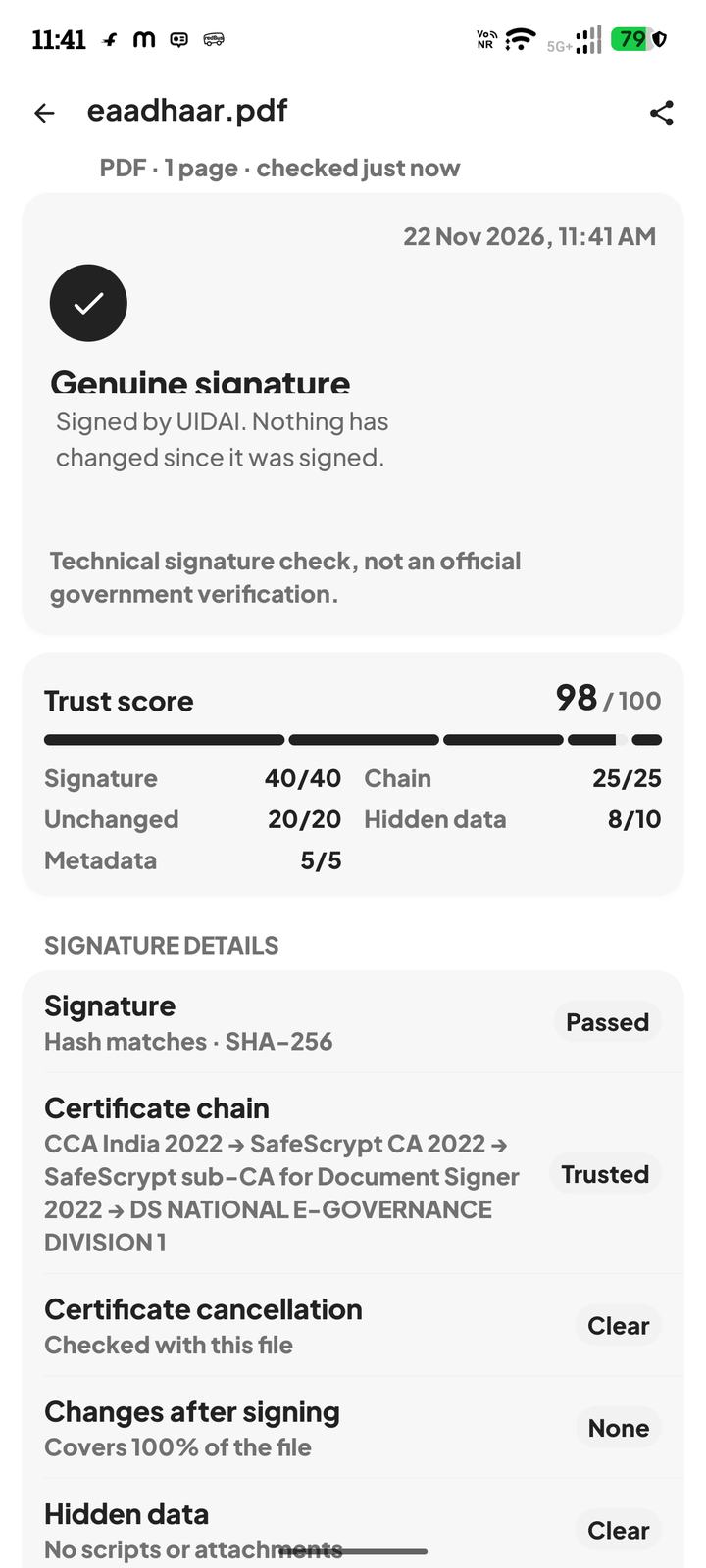
- 2Genuine, but the signer is a person, a shop, or a software tool, is not a board marksheet. A valid seal from the wrong party does not make the marks official.
- 3Changed after signing means the file is not the sealed original. Ask for a fresh download, or fetch it yourself.
- 4No digital signature means you have a scan, a photo, or a file someone composed. There is no seal to rely on. Treat it as a claim, not as an issued PDF.
- 5Signed, but the issuer of the certificate could not be confirmed, means the bytes match a seal you cannot place. Do not fill the gap by assuming it is the board.
Look at the marks with your own eyes as well. The signature does not recompute a total, and it does not correct a name. It tells you whether the pages still match what the signer sealed.
When a real marksheet fails
This is not the board checking a roll number, and it is not an official government verification. It is a technical signature check of the file you opened.
Questions
The marksheet is a clear scan of the paper. Is that enough?
A scan has no digital signature from the board. It can be a picture of a real sheet or a picture of an edited one. The signature check needs the issued PDF.
DigiLocker shows the marksheet. Why check the PDF?
The screen shows what the account displayed. The PDF you downloaded is the file you can seal-check. Issued files and uploaded files are not the same.
The app says genuine, but the signer is not the university. What does that mean?
Read the name. DigiLocker sometimes signs issued files through National e-Governance Division. Any other unexpected signer is a reason to download the file yourself from the issuer.
Can this confirm that the candidate passed?
No. It can show that a signer sealed these bytes and that the bytes still match. The board's own record is what confirms the result.