PAN card PDF says the signature is not verified
"Signature not verified" on a PAN PDF usually comes from the viewer, not from the Income Tax Department telling you the PAN is fake. Adobe Acrobat, a browser preview, and some other readers show that phrase when they did not accept the signer's certificate, or when they never finished the check. The same words sometimes appear when the file really was altered. Those are different problems, and the wording on a banner does not separate them.
An e-PAN from the income-tax site, or from the PAN issuer, is normally a signed PDF. A photograph of a physical PAN card is not. A PDF someone typed into a template is not, unless a real signer sealed it, and a stranger's seal is not the issuer's seal.
Use the original e-PAN
Separate a fussy viewer from a broken file
Open the same original in PDF Signature Verifier. The PDF stays on the phone. Read the result before you try to "fix" anything in another program.
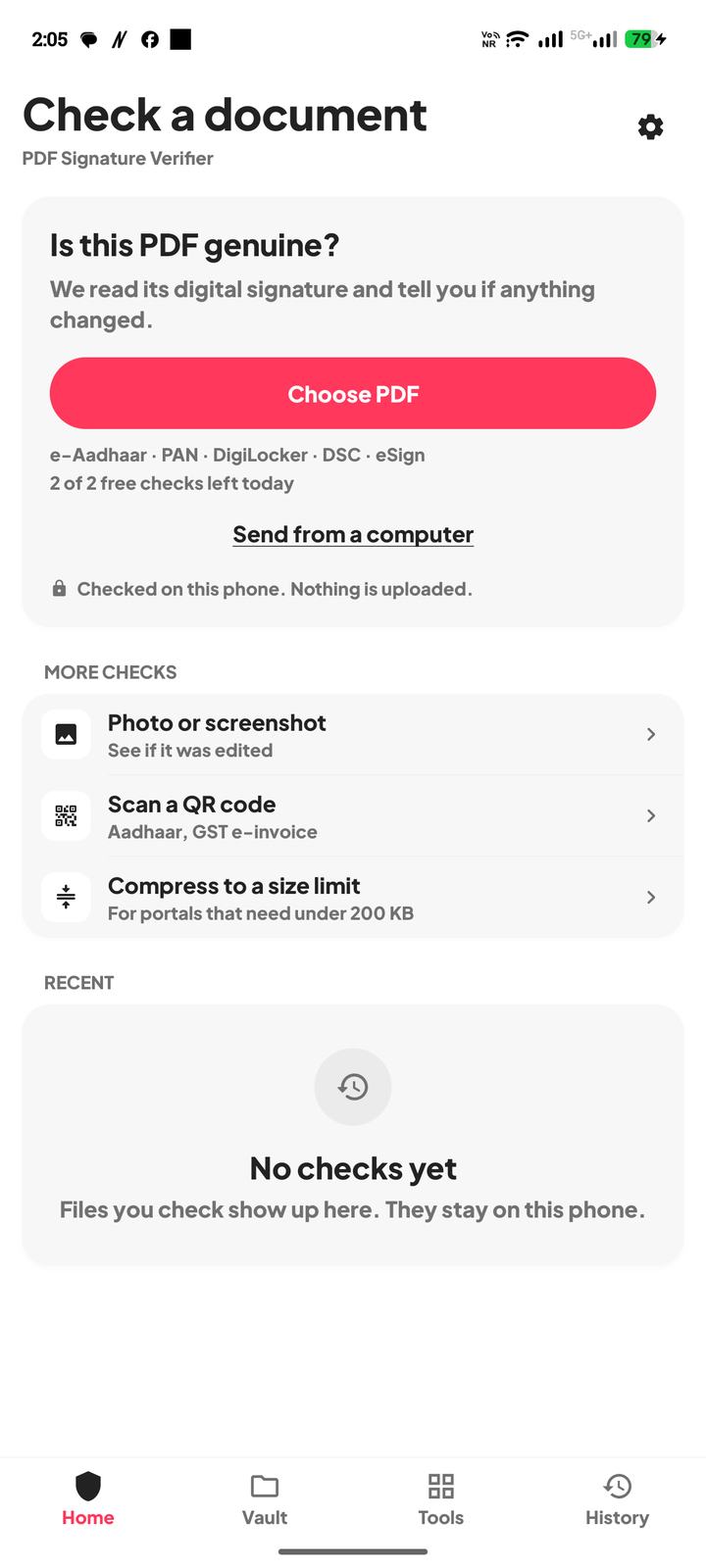
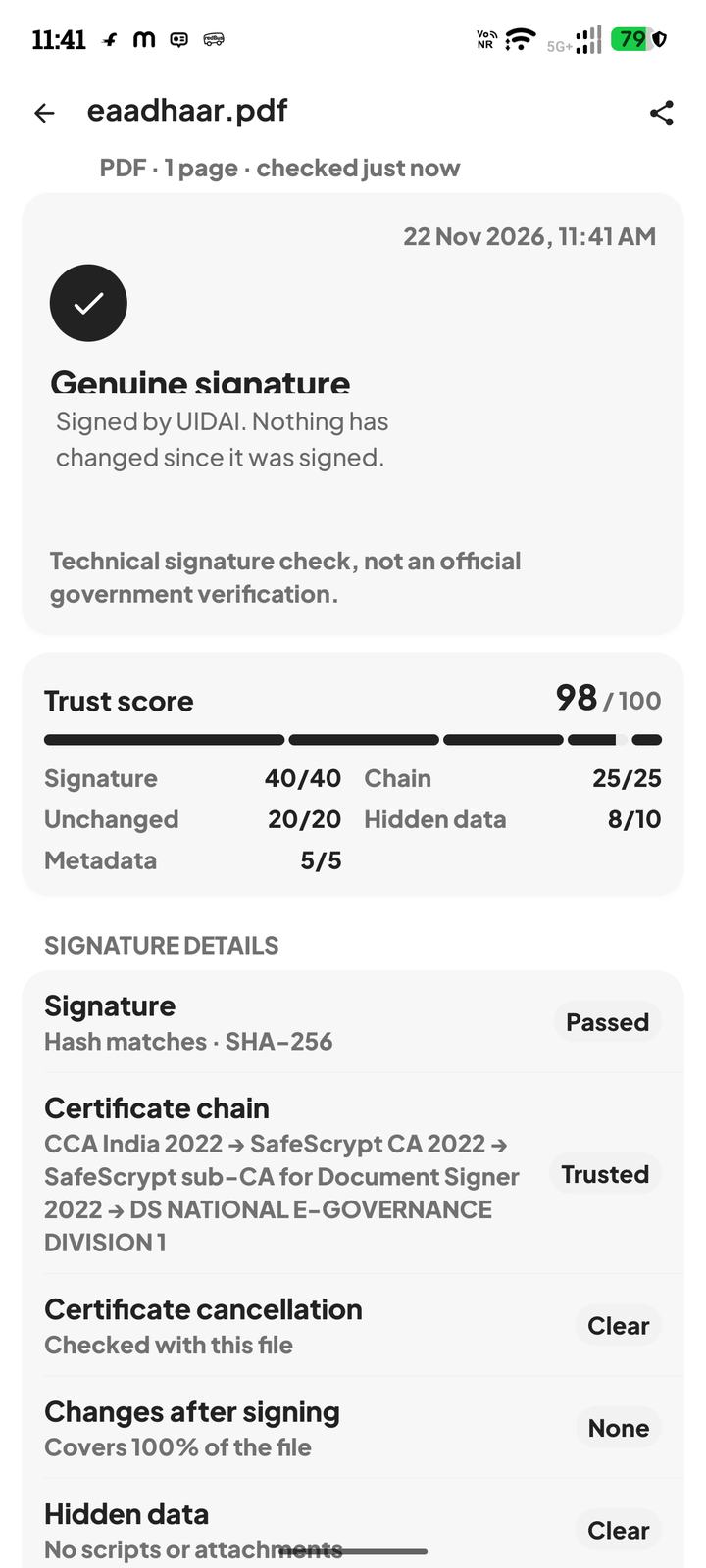
- 1If the app says genuine, the seal matches and the certificate chains to a trusted authority. The other viewer was probably unwilling to trust the issuer's certificate. Read the signer name. You want the PAN issuer or its certifying setup, not a private person.
- 2If the app says the file changed after signing, the viewer was right to refuse it. Do not rely on that copy. Download the e-PAN again.
- 3If the app finds no digital signature, you are not holding the signed e-PAN. A scan of a card, or a file rebuilt by another tool, has nothing for a viewer to verify. That is why it says not verified.
- 4If the app says the signature is intact but the issuer could not be confirmed, do not treat the banner as a pass. Ask which organisation signed it.
What still needs a person
The check does not ask the Income Tax Department whether this PAN belongs to the person who sent it. It does not renew a PAN, correct a name, or replace e-filing. Two people can hold the same genuine PDF. Matching the photo and the name to the person is still your job.
If you must upload the PAN somewhere, upload the original download after the check, not a screenshot and not a PDF you exported from a preview. Those substitutes are why honest files start showing "not verified".
PDF Signature Verifier is independent of the Income Tax Department and of the companies that issue PAN cards. The result is a technical signature check, not an official government verification.
Questions
Why does Adobe say not verified when the PDF looks normal?
Acrobat often says that when the signer's certificate is not in its trusted list, even if the bytes still match the seal. Check the original file in the app. Genuine means the seal matches. Changed means do not rely on it.
The password worked. Does that mean the PAN PDF is real?
No. The password only opens the file. Check the digital signature after it opens.
I only have a photo of the PAN card. Can you verify it?
A photo has no PDF signature. Download the e-PAN from the issuer and check that PDF.
Will a genuine result update my PAN with the tax department?
No. The app does not write to any government system. It only reports what the signature inside this file says.