Adobe says the signature validity is unknown
Adobe Acrobat Reader shows "Signature validity is unknown" when it could not decide that the signature is valid with the certificates on that computer. On many Indian documents the file is intact, and Acrobat still says unknown, because the signer chains to a certifying authority under the Controller of Certifying Authorities that Acrobat does not already trust. The same banner also appears when the file really was changed, or when the certificate was cancelled. The fix depends on which of those you have.
Read the two facts Acrobat is reporting
Open the PDF in Acrobat Reader. Click the signature banner, then open Signature Properties. You are looking for two separate sentences.
- 1Whether the document was modified after the signature was applied.
- 2Whether the signer's identity is trusted on this computer.
If Acrobat says the document has not been modified, and the identity is unknown, the bytes still match the seal. Acrobat is telling you it does not trust the certificate chain yet. That is the case people mean by "validity unknown" on an e-Aadhaar, e-PAN, DigiLocker file, or other DSC-signed PDF.
Trust the authority, not a certificate from a stranger
In Signature Properties, open the signer's certificate and look at the chain. Indian government PDFs and many digital-signature PDFs chain through a certifying authority to the Controller of Certifying Authorities, India.
- 1Download the CCA root certificates from the Controller of Certifying Authorities, at cca.gov.in. Do not import a root that arrived by email or chat.
- 2In Acrobat, add those roots as trusted certificates. Trusting every individual signer you meet is weaker and easier to get wrong. Trusting the official roots is the durable fix on that computer.
- 3Close the PDF and open it again so Acrobat repeats the check.
- 4In Acrobat's preferences, under Signatures and then Verification, open the extra settings. Turn on verification when a document is opened. If you also installed the same roots in the system certificate store, allow Acrobat to use certificates held there.
Trust settings are a decision about that computer. They do not travel with the PDF. Another person who opens the file can still see "unknown" until that computer trusts the same chain.
When trusting the root is the wrong move
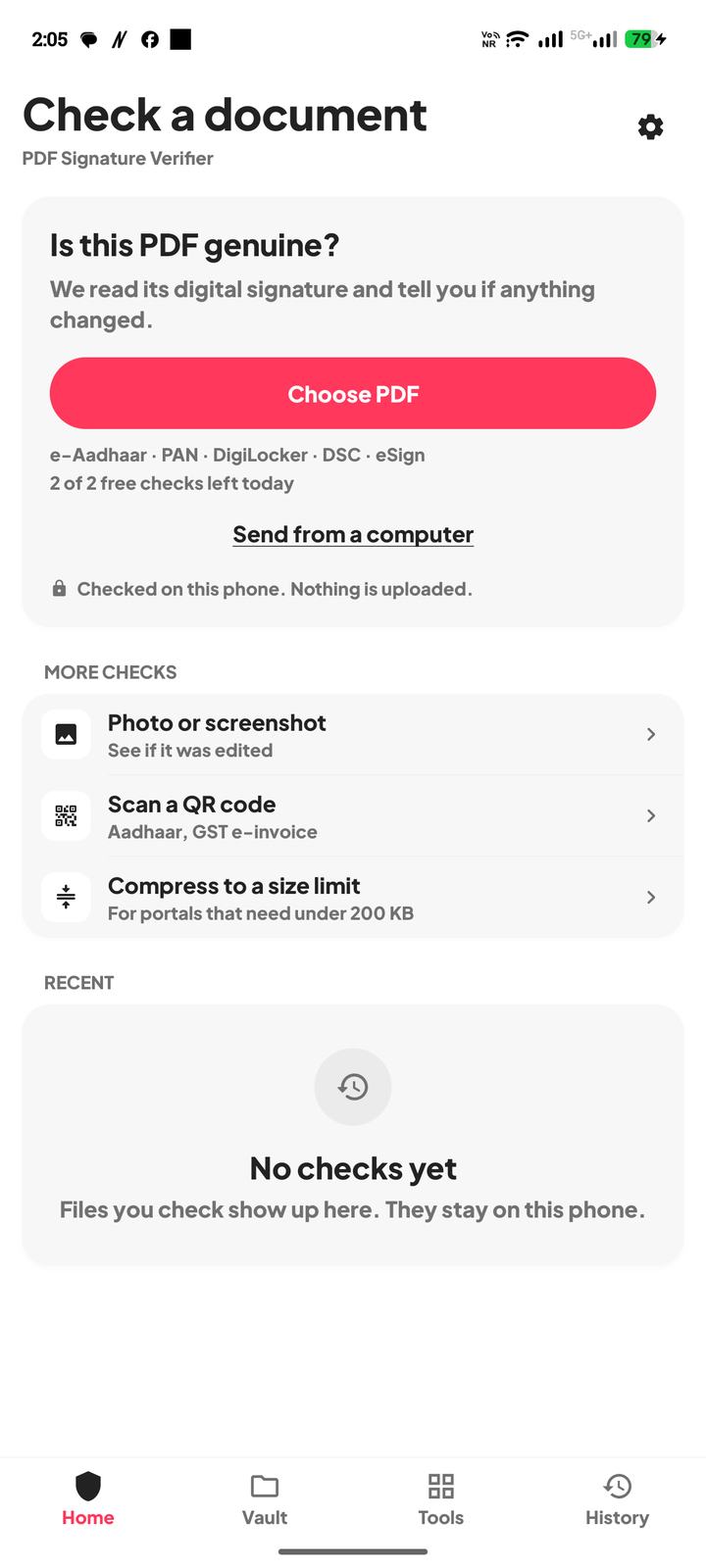
You can also check the same original in PDF Signature Verifier. The app reads the seal on the phone, using CCA India certificates, and says whether the bytes still match. That does not change Acrobat's settings. It answers the question Acrobat left as unknown. It remains a technical signature check, not an official government verification.
Questions
The banner says validity is unknown, but the pages were not modified. Is the file fake?
Not by that sentence alone. Unknown often means Acrobat does not trust the certificate chain. If it also says the document was not modified, the bytes still match the seal. Trust the official CCA roots, or check the same file in the app.
I clicked trust on the signer's certificate. Why do other PDFs still say unknown?
You trusted one certificate. Other signers need the issuing roots. Import the CCA India roots from cca.gov.in and open the files again.
Will the app change the result inside Adobe?
No. The app checks the file on the phone. Acrobat keeps whatever trust settings that computer has.
Acrobat says the document was altered. Can I clear that by trusting the signer?
No. Trust cannot repair a seal that no longer matches the file. Get a new original from the issuer.